

Railway canvas
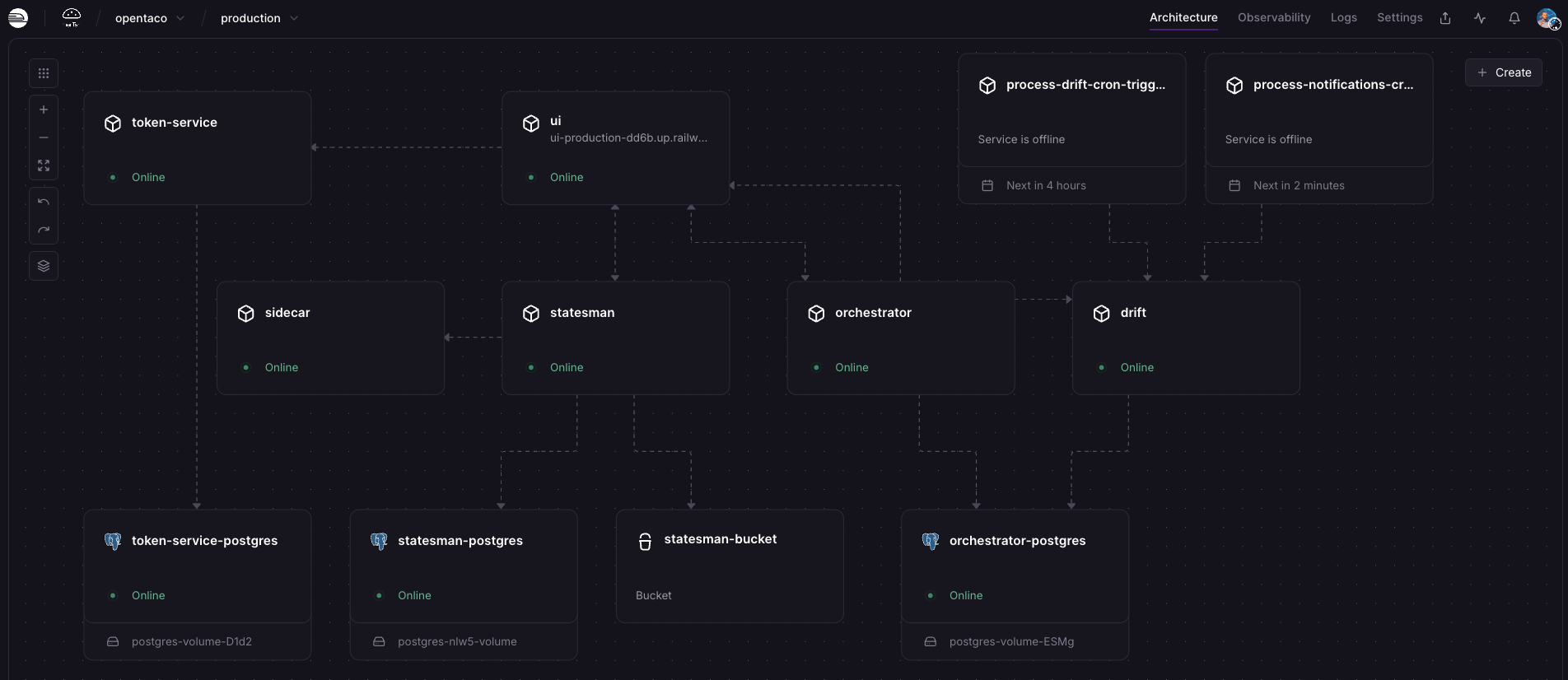
Deploy with the Railway template

Set pre-deploy variables
During template setup, add your WorkOS values to the UI service (see WorkOS Setup) and set
GITHUB_ORG in the orchestrator service before the initial deploy.Provision the project and services
Let Railway create the project and provision all services in the canvas.
Configure a public domain
After provisioning, either generate a Railway public domain for the UI service or configure your own custom domain using Railway’s CNAME flow.
Set remaining required environment variables
Open each service in Railway and set the required environment variables using Configuration.
Redeploy and verify access
Redeploy affected services after updating variables, then confirm the app is reachable through your configured domain.
Set up the GitHub App
After access is verified, complete the GitHub App setup flow.
- Terraform/Opentaco backends via
units remote runs(if configured and enabled)- PR automation workflows
- Drift detection and notifications